












For medical device startups, implementing a Quality Management System (QMS) isn’t a one-time event ...
.svg "\"\"")

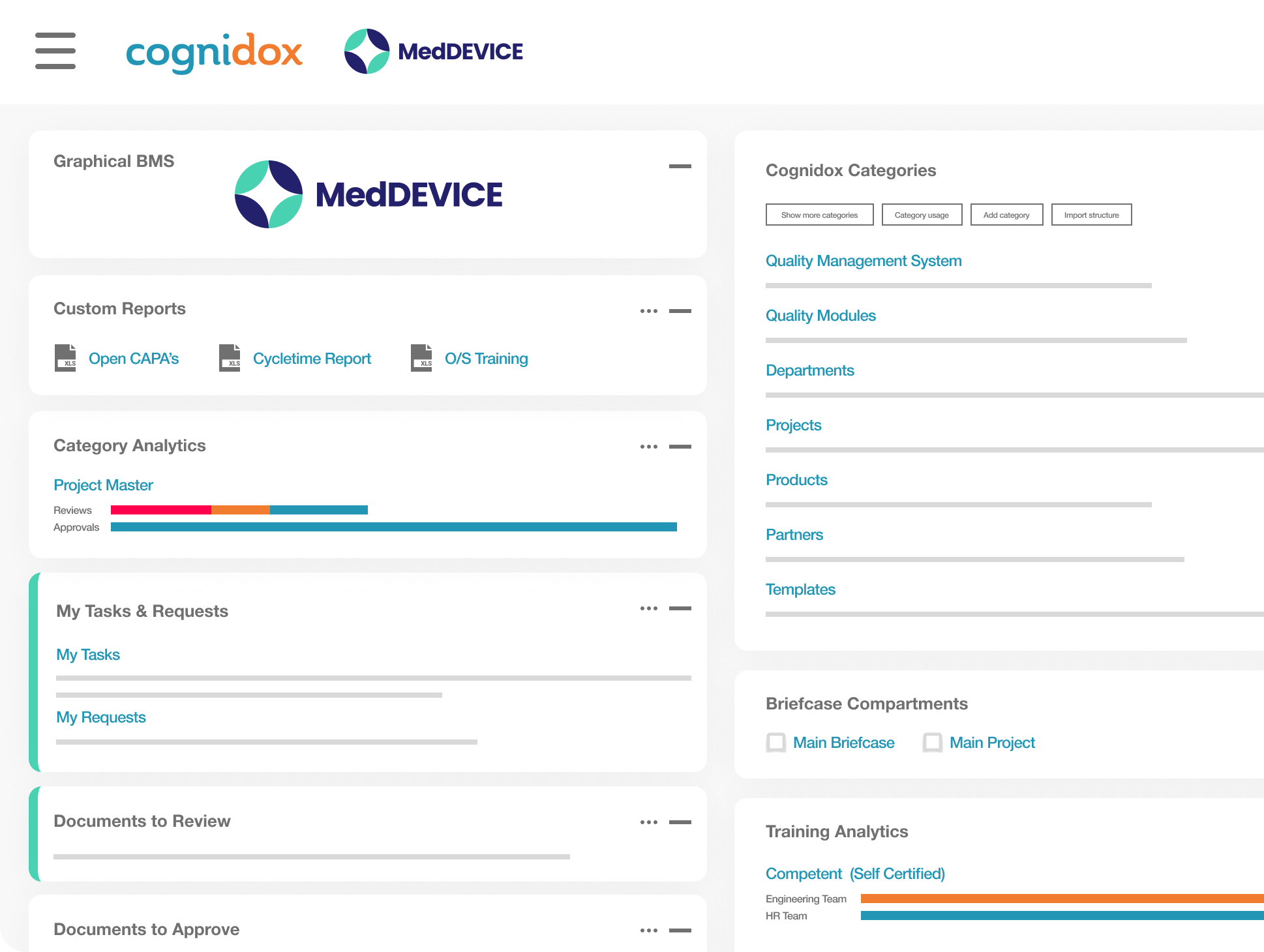
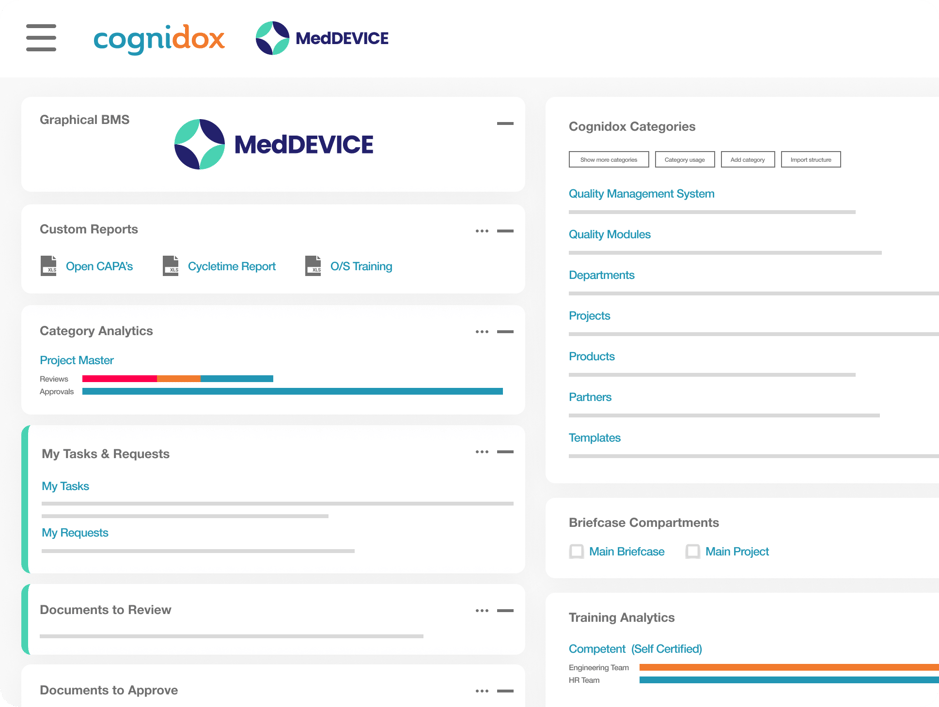
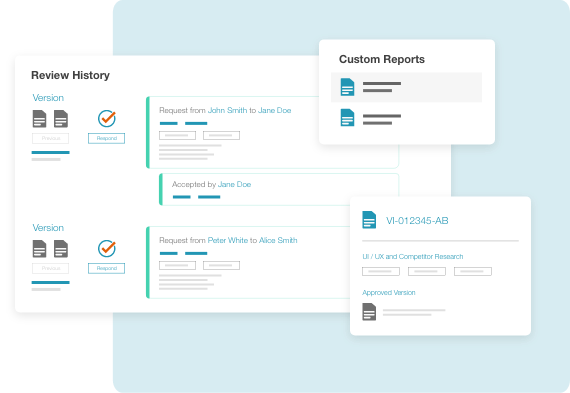

Document controls
Bring order to your development, ensure documents are created, approved, distributed, indexed, and archived in a solid and systematic way.
Version control
Change management
Audit trails
Configurable approval workflows
Metadata indexing
Integrated e-signatures (FDA 21 CFR Part 11 compliant)
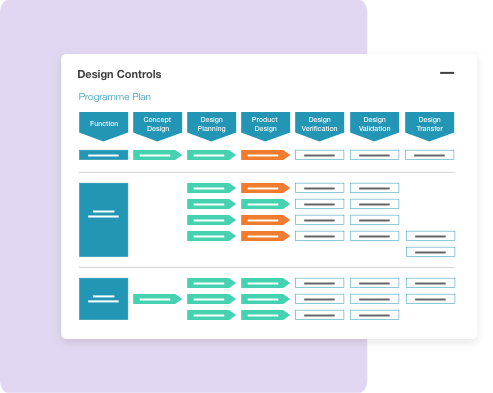

Design controls
Gather and control your design inputs and outputs in one place, stage gate your processes to continually validate designs and manage risk. Automate and bulletproof your design documentation for frictionless compliance:
Flexible phase gating
Design validation
Assemble FDA technical documentation in real-time (DHF, DHR, DMR)
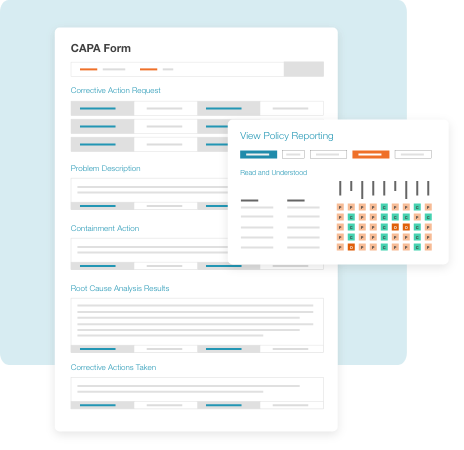

Quality modules
A configurable suite of features to manage your quality processes to drive continuous improvement and seamless regulatory compliance:
CAPA and OFI
Supplier management
Complaints handling
Non-conformance reports
Post market surveillance
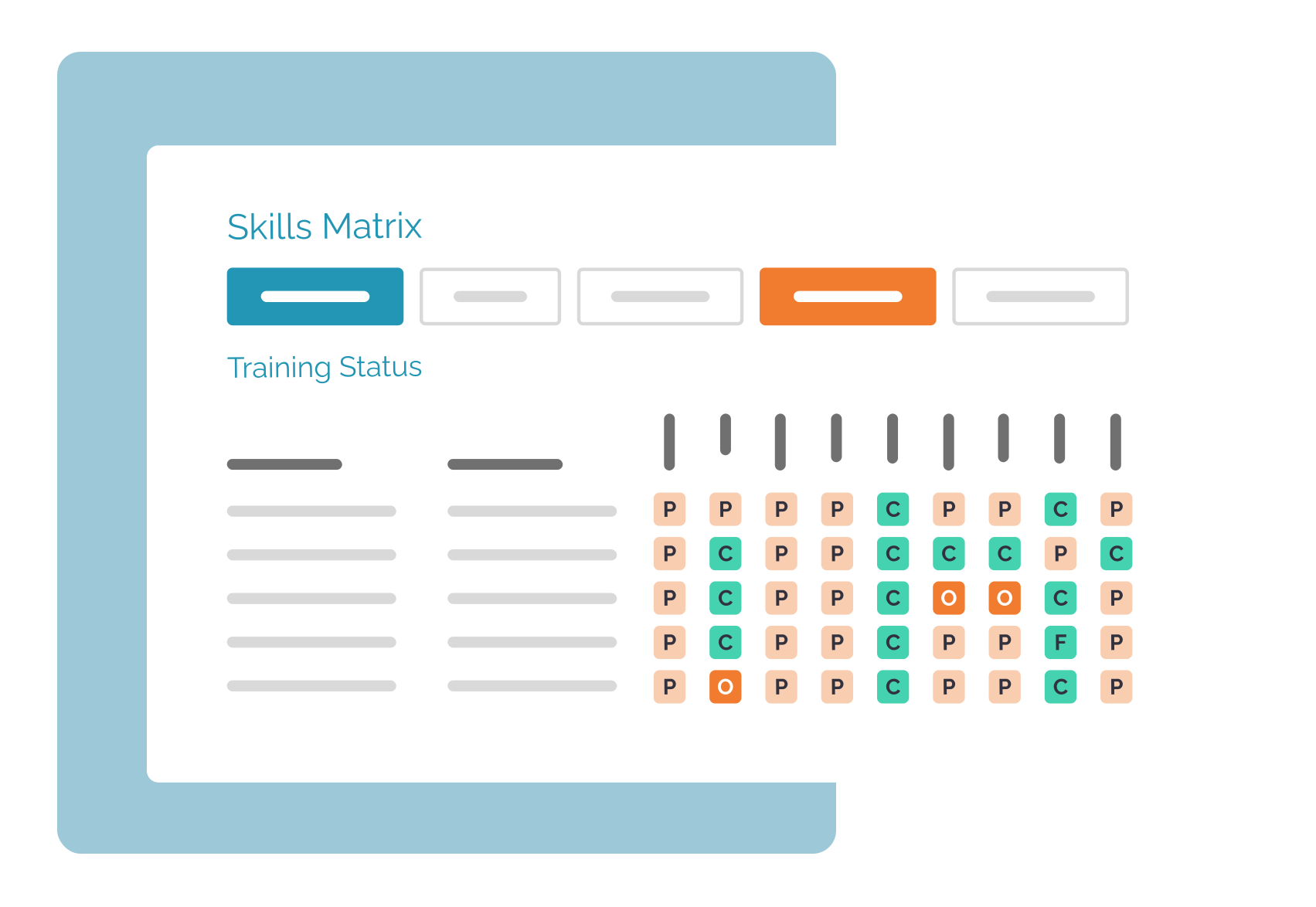

Learning management
The Cognidox Learning Management System (LMS) provides employees, line managers, training managers, and quality managers with all the tools and information that they require to ensure both organisation and legal compliance
Skills matrix
Self sign-off
Quizzes
Trainer assessment
Skill gaps

Compliance
All the tools you need to gain ISO 9001:2015, ISO 13485:2016, FDA 21 CFR Part 11, but flexible and configurable. Cognidox helps compliance become the ‘way you do things’.
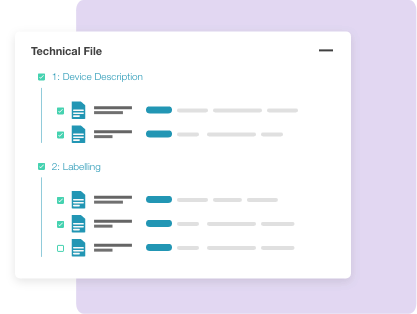
Assemble required technical documentation in real-time
Publish DHF, DHR and DMR on demand
Integrate FDA compliant E-signatures
CAPA reporting built around the way you work
Software validation
Cognidox helps you rapidly migrate from paper, Google Docs or OneDrive, to a structured document management system. We’ve helped hundreds of businesses bring their documents and process under control, helping them innovate faster and repeat development success time and again.







Starting with an obligation-free demo, if we’re the right fit for you we’ll offer a 60 day free trial of our platform. When you choose us as your partner, we’ll help you migrate data and configure the platform, with a dedicated account manager to look after you as you grow.
See if Cognidox can help you by scheduling a no-obligation, tailored demo
.webp?width=29&height=50&name=Subtraction%204%20(1).webp)
Set up a free 60 day live trial to test the solution with real users and processes
We’ll help you configure your system, migrate your data and train your team
A dedicated Account Manager will support you as you scale (our average response time is under 20 minutes)

%20(1).webp?width=133&height=76&name=ISO%20IEC%2027001%20(1)%20(1).webp)